
Start with logs when you need to know what actually requested a page. Add a crawler when you need to reproduce a technical problem. Evaluate Oncrawl or Botify for recurring analysis across a large site, Screaming Frog for an analyst-led investigation, and Cloudflare's diagnostics when your site uses Cloudflare. Keep access, citations and recommendations as three separate questions.
A bot receiving a successful response does not prove that it used the page in an answer. A missing origin-log entry does not prove that no request occurred: the edge may have served or blocked it before the origin. The right tool depends on where the missing evidence should exist.
Which diagnostic approach should you choose?
These approaches complement each other. Choose the smallest combination that can answer the specific access question.

| Approach | Best starting fit | Evidence it can provide | What it cannot establish alone |
|---|---|---|---|
| CDN and server logs | Investigating a known URL and time window | Recorded requests, responses and enforcement context | Whether an answer cited or recommended you |
| Screaming Frog | An analyst investigating a bounded site problem | Crawl results plus a separate Log File Analyser | A simulated crawl is not a real AI-service visit |
| Oncrawl | Recurring crawl and log analysis | Site-level patterns and categorized bot activity | User-agent labels alone are not identity proof |
| Botify | Large-site technical analysis and ongoing operations | Crawl and log evidence across a broad inventory | Successful access is not answer selection |
| Cloudflare AI Crawl Control | Sites already using Cloudflare | AI-service access activity and relevant controls | Activity outside the observed Cloudflare scope |
Three different kinds of evidence
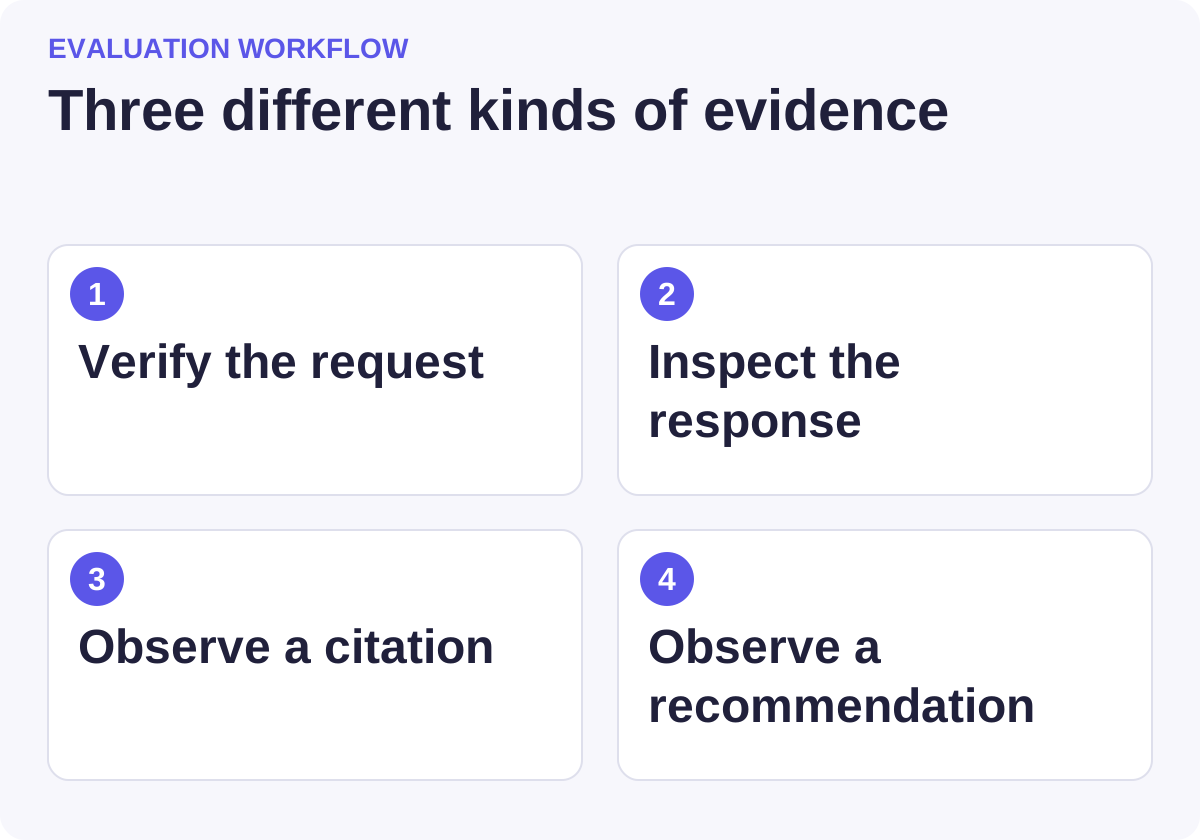
Use this workflow to compare candidates against the same requirements.
Begin with one precise question
“Why are we invisible to AI?” is too broad for an access investigation. Start with a URL, a service, a time window and an observed symptom. For example: “Did requests associated with this service receive the intended public article yesterday?”
Record the canonical URL, redirects, expected content, region if relevant and where the observation came from. Keep a screenshot or response excerpt of the symptom. An empty answer result is not itself proof of a crawling failure.
Next identify your logging layers. A CDN, firewall, reverse proxy and application can each see different portions of the request path. Ask which logs are sampled, which fields are retained and how time zones are represented. A missing record in incomplete logs is an unknown, not a clean bill of health.
Logs first: strongest for observed requests
Choose direct log investigation when you have a narrow incident and access to the relevant request records. A useful record includes timestamp, requested URL, status, user agent, response size, cache or security action where available, and enough context to investigate identity.
Do not trust a user-agent string by itself. A client can claim a familiar bot name. Use the verification methods documented by the service or a tool's documented bot-verification capability, and retain uncertainty where verification is incomplete.
Separate training crawlers, search crawlers and user-triggered fetchers. They serve different purposes, and allowing one does not necessarily mean another has access. The Oncrawl bot reference explicitly distinguishes these categories and labels some observed, undocumented agents.
Direct logs can be economical if your team already has a query system. They become expensive when every investigation requires bespoke parsing and an engineer to explain the infrastructure. Include that labor in the buying decision.
Screaming Frog: useful for a bounded analyst-led investigation
Screaming Frog SEO Spider is a website crawler. Its separate Log File Analyser works with recorded requests. These are different evidence sources and should be labeled separately in a report.
Screaming Frog public product or documentation page.
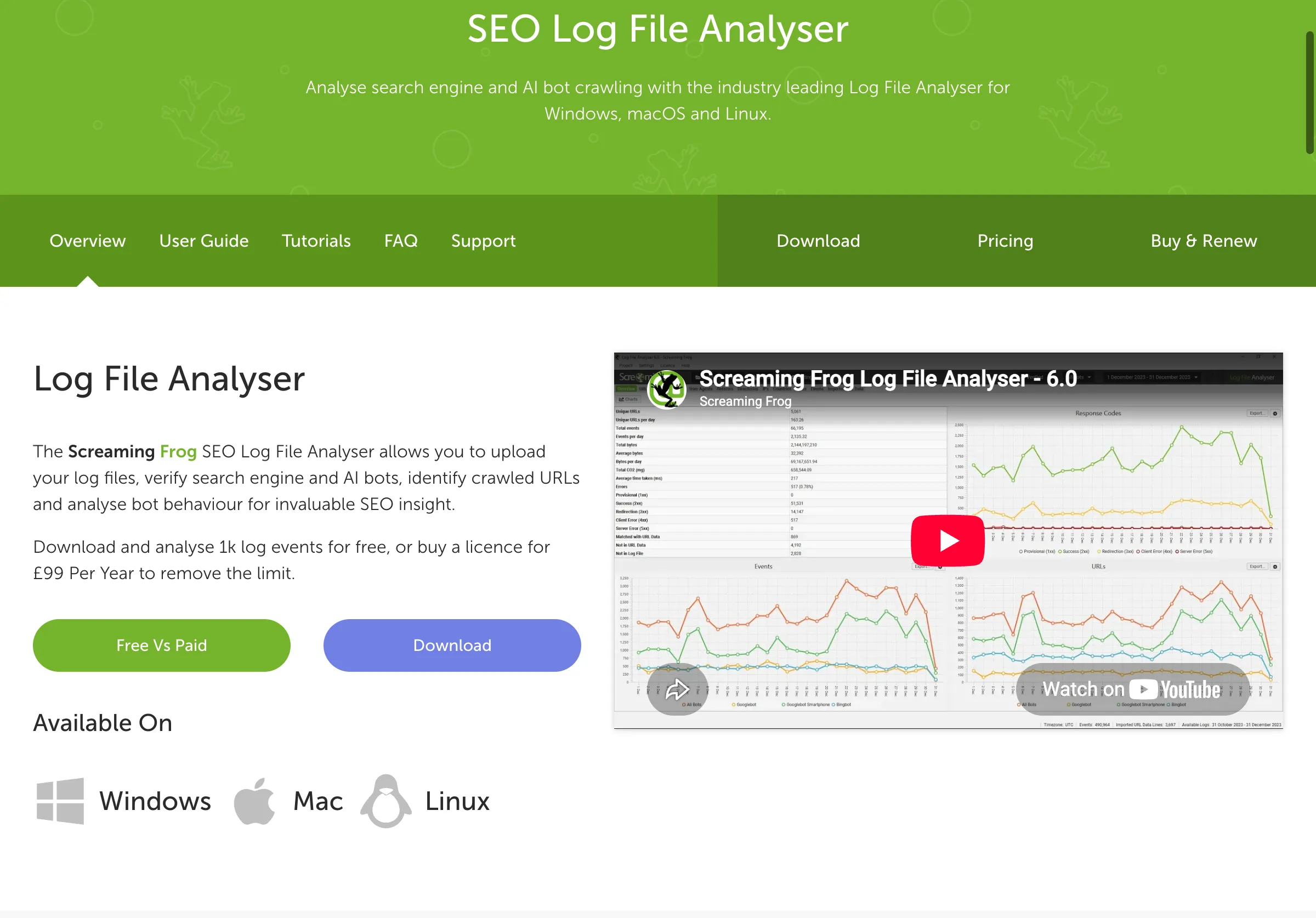
Public source page, captured November 2, 2026.
Choose this approach when an analyst needs to inspect redirects, page responses and site structure, then compare those findings with actual bot activity. Do not describe a successful crawl with a custom user agent as proof that the real service can access the page.
The Log File Analyser's release history documents AI-bot verification and user-agent grouping in version 7.0. Check your installed version and the imported data. Its FAQ explains import behavior, including bot-focused defaults; an omitted event may reflect configuration rather than absent traffic.
Trial it with a small, approved log sample and a known URL list. Verify counts against the raw records before drawing conclusions from a chart.
If you want to know when AI changes its answer about your brand, start with a free brand check. It takes a minute.
Oncrawl: useful when crawl and log patterns recur
Oncrawl's AI Search Lens discussion describes combining crawl and log data to investigate how AI systems interact with a site. Its supported-bot documentation makes the classification model inspectable.
Oncrawl public product or documentation page.
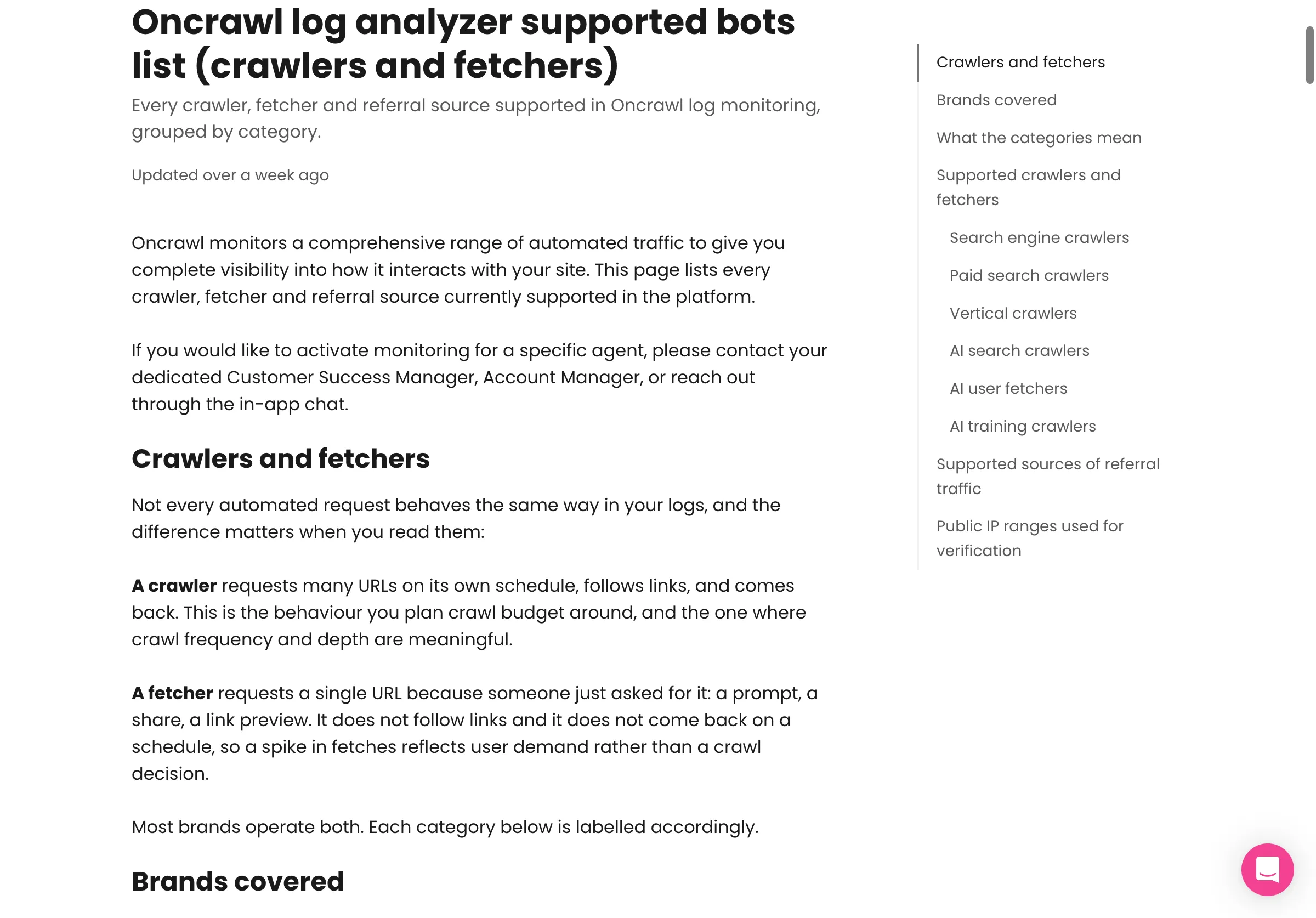
Public source page, captured November 2, 2026.
Choose Oncrawl when ongoing analysis across many URLs justifies a maintained data pipeline. Do not assume a category name means every request has been independently authenticated. Ask how the product identifies bots, how new agents are handled and which uncertainty is visible to analysts.
For evaluation, select a small set of known good pages, redirects, removed pages and deliberately restricted test pages. Ask the team to explain each finding with a request record and the relevant page state. The purpose is to test whether a useful diagnosis can be reproduced, not whether the dashboard has the largest traffic count.
Confirm retention, log-ingestion requirements, sampling and the cost of expanding the site or history window.
Botify: useful when the investigation is part of large-site operations
Botify's log-analysis guide describes tracking AI-bot behavior through logs. Its current knowledge-base example also explains the distinction between individual user agents and grouped reporting labels.
Botify public product or documentation page.
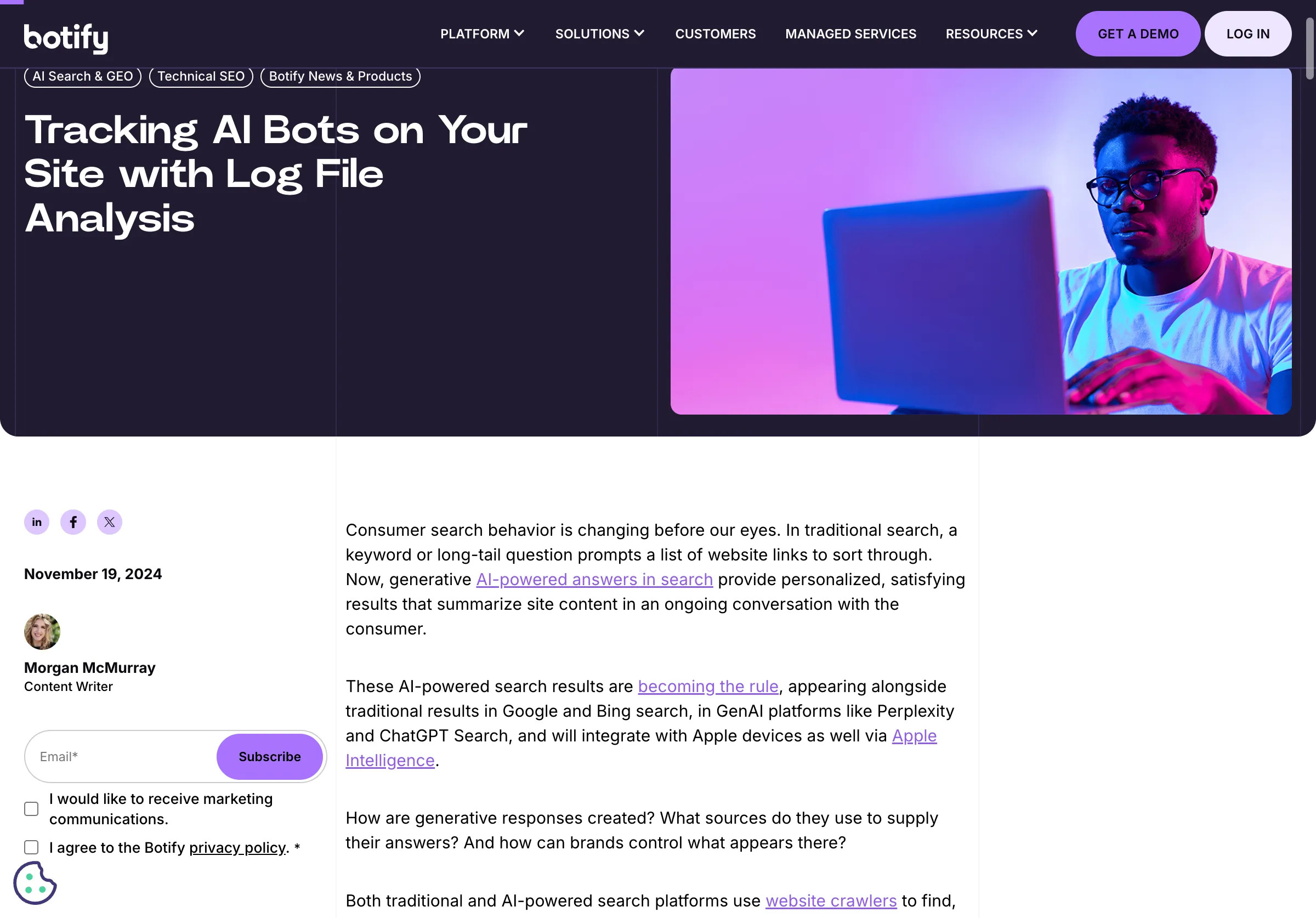
Public source page, captured November 2, 2026.
Choose Botify when your technical team needs recurring analysis across a substantial URL inventory and can maintain the associated workflow. Do not buy an enterprise platform for a one-off robots.txt question unless wider needs justify it.
Ask the vendor to trace a chart back to individual URLs and time periods. Then ask how a discovered problem becomes a task, how the fix is verified and what happens when the same URL changes again. A useful operating process connects detection to a confirmed response after the change.
Compare proposals using the same URL inventory, crawl frequency, log volume, retention and user roles. A headline product comparison cannot replace that scoped quote.
Cloudflare: inspect the layer that can act before your application
Cloudflare AI Crawl Control provides visibility and controls for AI-service access on sites using Cloudflare. It is relevant when a request may have been allowed, challenged or blocked at the edge.
Cloudflare public product or documentation page.
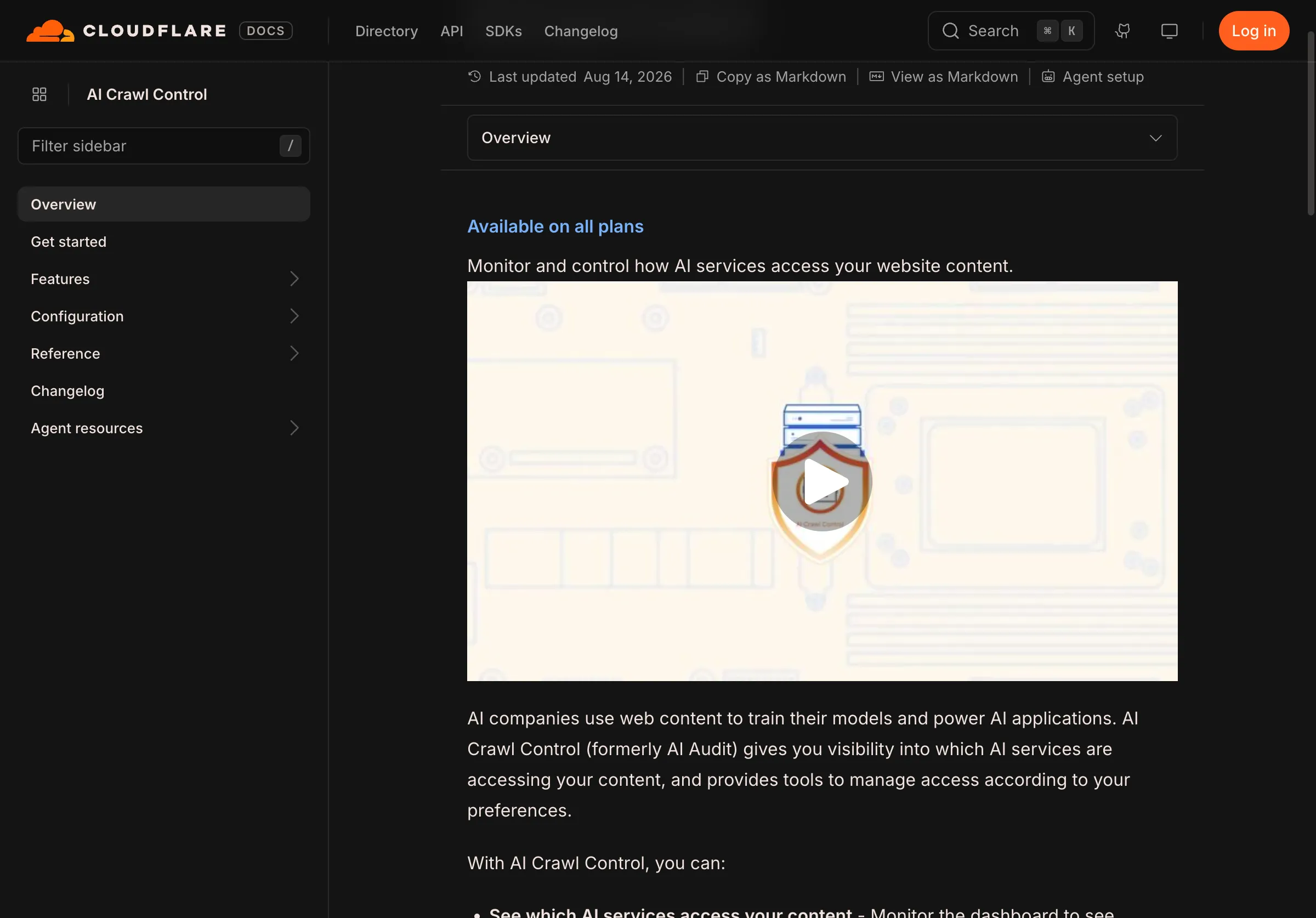
Public source page, captured November 2, 2026.
Choose these diagnostics when Cloudflare is in your request path. Do not assume application logs include requests stopped before reaching the application. Check the applicable security event and rule rather than disabling broad protection to see whether traffic changes.
Any access change should follow the site's intended policy. Diagnose a specific rule, test the narrow correction and preserve a rollback route. A desire for visibility does not imply that every training crawler or automated client should be permitted.
The useful deliverable is an evidence-backed explanation: what happened, where it happened, which rule or response caused it, and what a subsequent authorized request received.
Follow the evidence through the request path
Use this checklist to avoid mistaking a partial success for a complete fix.
| Check | Evidence to retain | Common wrong conclusion |
|---|---|---|
| Request identity | Documented verification or explicit uncertainty | A familiar user agent proves identity |
| Edge decision | Relevant event and action | No origin hit means no request |
| HTTP response | Status, redirects and final URL | A 200 response contains the intended article |
| Body content | Actual public text received | An app shell is a readable answer page |
| Page policy | Applicable robots and indexing directives | Every bot follows the same rules |
| Follow-up request | New record after the change | Changing a setting proves the fix worked |
A 200 page can contain a login screen, challenge or empty shell. Inspect the response content appropriate to the client, not just the status. Likewise, a browser rendering successfully does not establish that every fetcher receives the same output.
Record remaining uncertainty. If logs are sampled or the service did not revisit during your observation window, say so. Do not turn “no evidence yet” into either a failure or a success.
Measure answer behavior separately
After resolving an access problem, investigate the answers buyers actually see. Parse can help examine monitored answers, brand descriptions and source evidence. That is a separate measurement layer from your logs.
If the remaining question is whether visits lead to measurable outcomes, our AI referral analytics comparison covers that separate measurement job.
Keep three columns in the final report: verified access, observed citation and observed recommendation. A page may satisfy one without satisfying the others. This separation makes the technical work easier to assess and prevents an infrastructure fix from being sold as an unproven visibility result.